Arc can become unresponsive due to a low battery. If Arc isn’t responding as expected or appears frozen, follow these steps to reset it:
1. Plug in Arc
Check that your Arc is fully connected by unplugging and reconnecting it to your outlet. Also check that the USB-C cable is firmly inserted into the plug adapter.
PAUSE HERE. If Arc is still not responding, continue to the following steps:
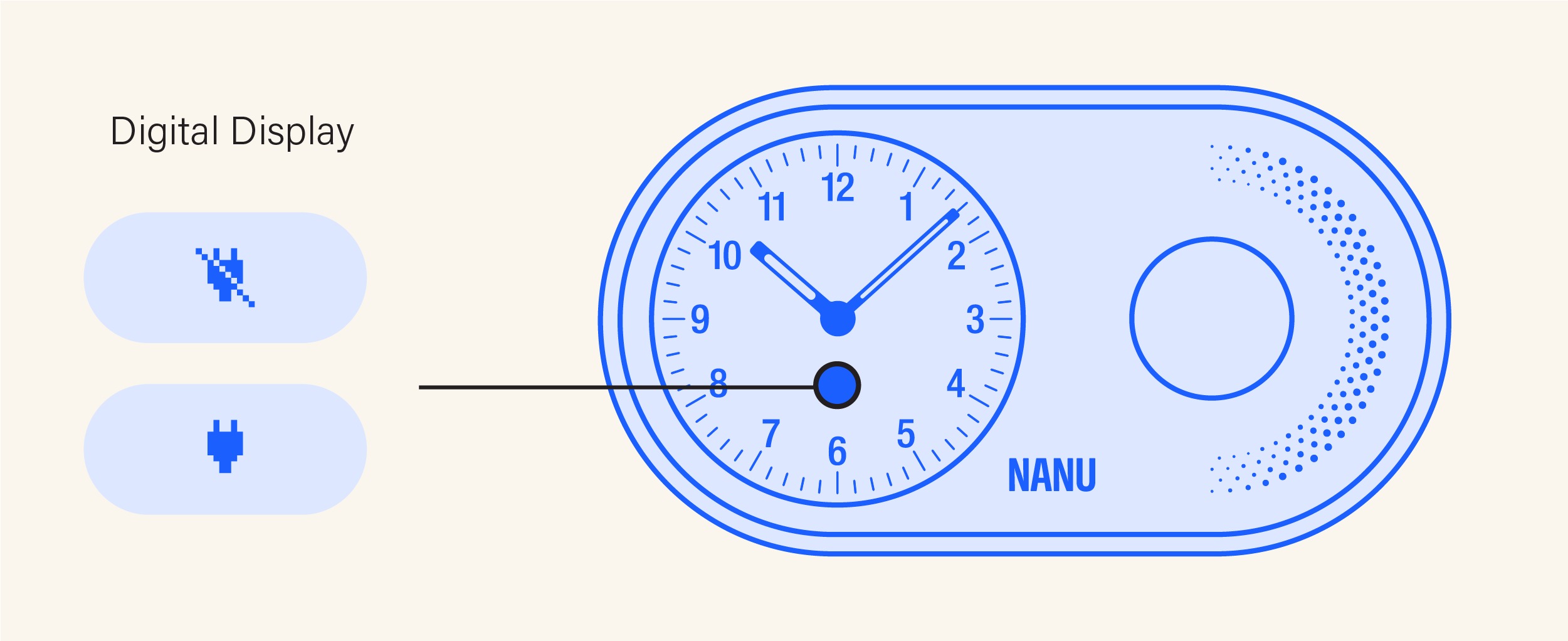
2. Reset Arc
With Arc plugged in, press and hold the front Alarm Knob and Snooze Bar simultaneously for 10 seconds. Follow the table below depending on what you’re experiencing:
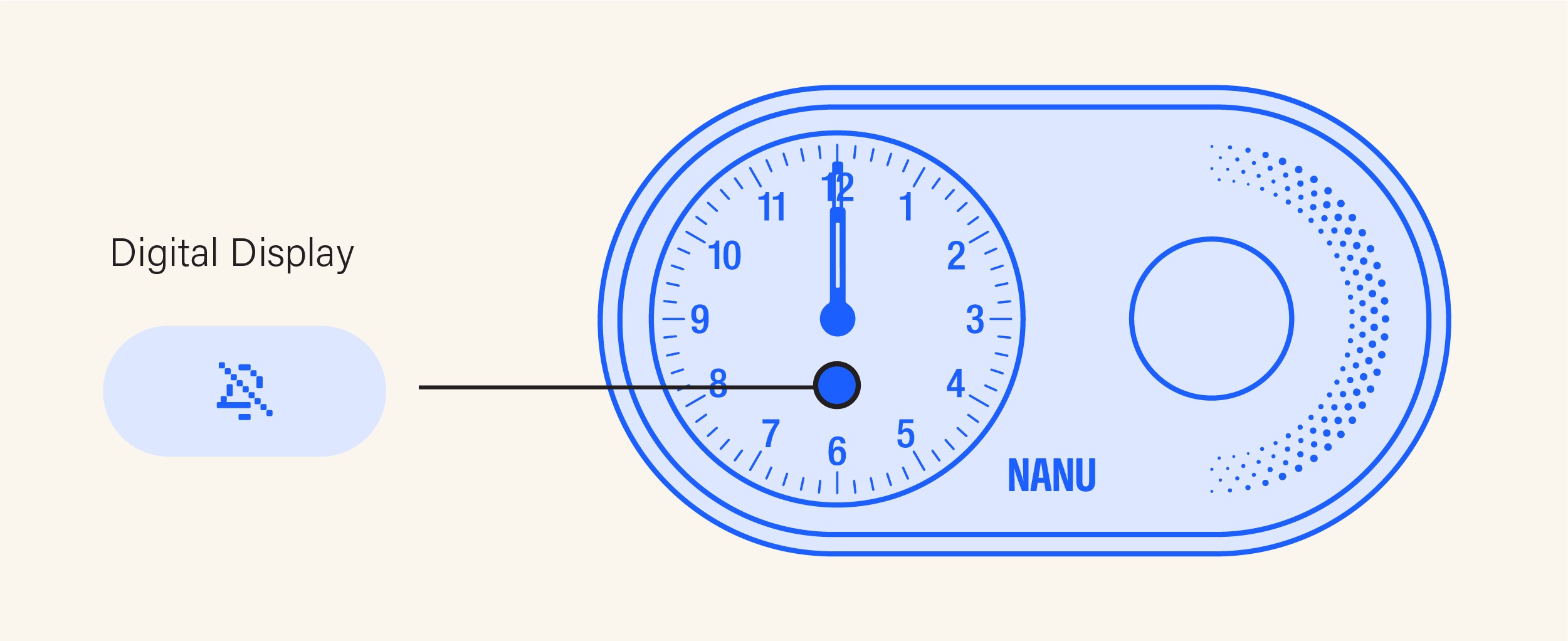
| Digital Display ON | Digital Display OFF |
| Press and hold until the display flickers off. Release promptly after the flicker. Arc will then restart. | Press and hold until the display flickers on. Release promptly after the flicker. Arc will then restart. |
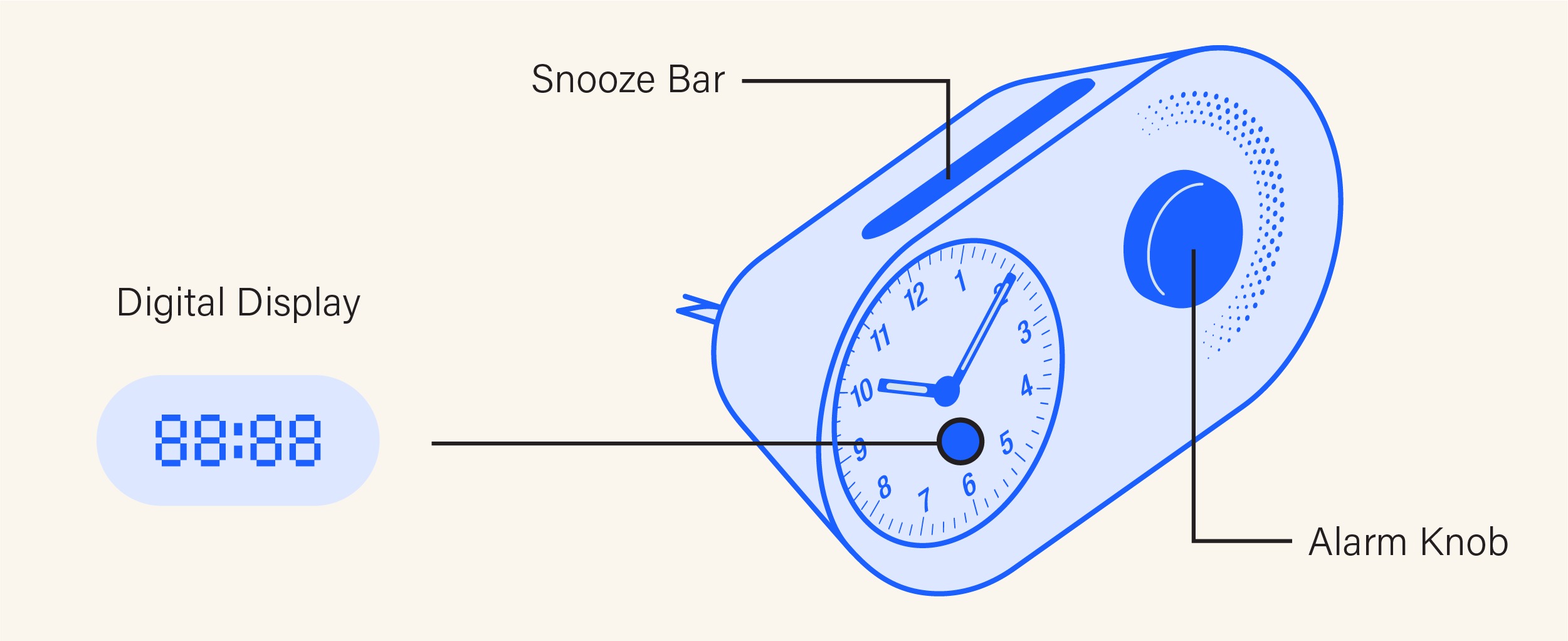
3. Set Clock Time and Alarm
After resetting, Arc will return to its original settings. Reconfigure the clock time and alarm to your preferences.
Still experiencing issues? Contact us here, and we’ll assist you further.
Was this article helpful?
That’s Great!
Thank you for your feedback
Sorry! We couldn't be helpful
Thank you for your feedback
Feedback sent
We appreciate your effort and will try to fix the article